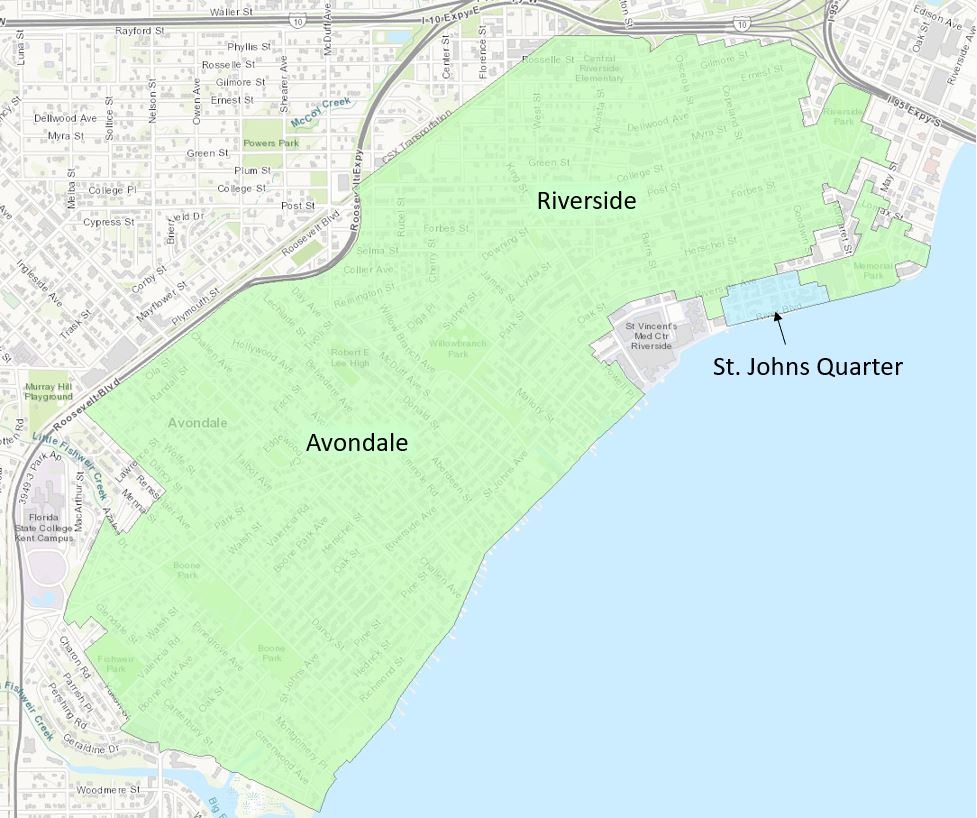
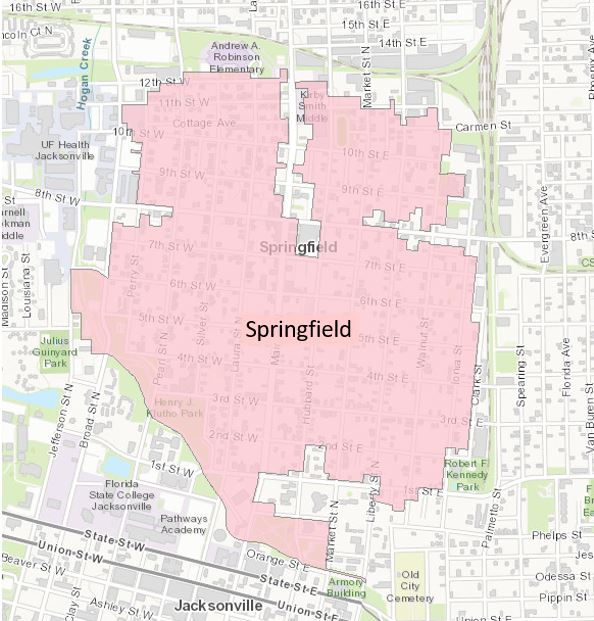
Search by Address
Search by address to find out if a property is within a Local Historic District or is designated as a Local Landmark:
Map Search Instructions
Step 1: Go to https://maps.coj.net/landdevelopmentreview/
Step 2: Click on "Layers" at the top of the page

Step 3: Click the "Historic" Tab to open the list
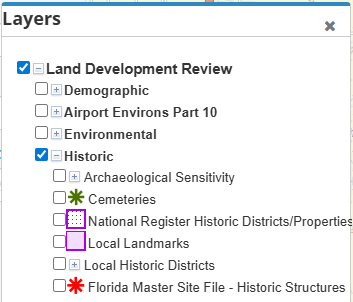
Step 4: Check the box for "Historic Districts" and "Landmarks"
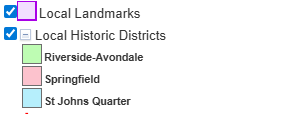
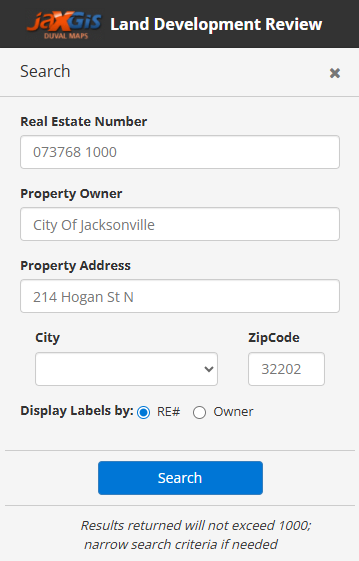
Step 5: Search for the address in question using the Real Estate (RE) number or by typing in the address in the search box located to the left of the screen
If the property is located within any one of the Local Landmark or Local Historic District boundaries, then the property requires a Certificate of Application (COA application for any exterior changes. Please note that COAs are required regardless of its street visibility or whether the property is listed as Non-Contributing.
Riverside Avondale / St Johns Quarter Historic District Boundary | Springfield Historic District Boundary |
|---|---|
|
|